API Connector
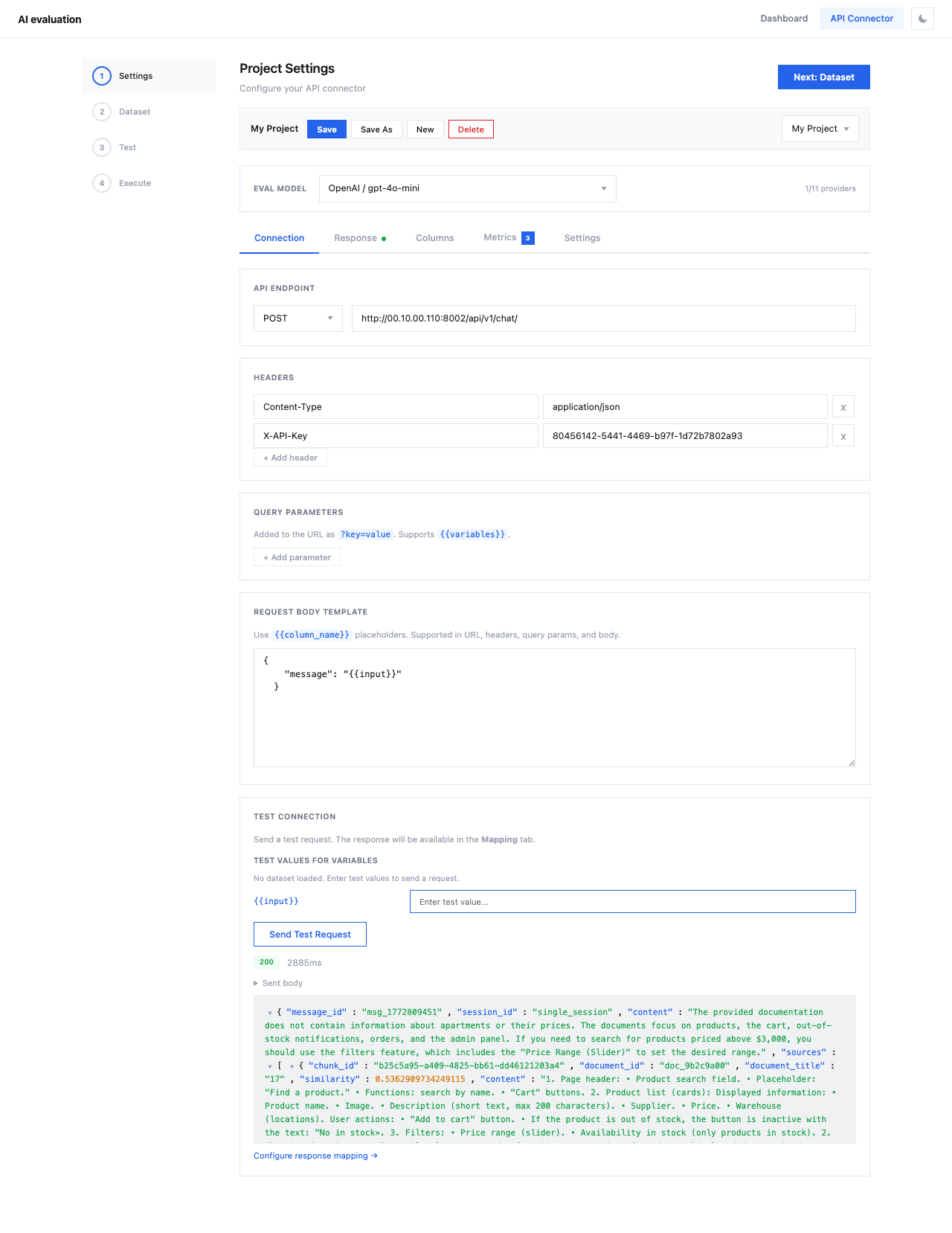
The API Connector is a 4-step wizard for running evaluations against any LLM API — without writing Python code.
Navigate to API Connector from the top navigation bar.
Workflow
The wizard guides you through four steps:
graph LR
    A[1. Settings] --> B[2. Dataset]
    B --> C[3. Test]
C --> D[4. Execute]| Step | Description |
|---|---|
| Settings | Configure API endpoint, response mapping, column mapping, metrics, and providers |
| Dataset | Upload test data (CSV, JSON, JSONL) |
| Test | Verify the full pipeline with a single request |
| Execute | Review configuration and run the evaluation |
Settings Tabs
Step 1 contains five configuration tabs:
| Tab | Description |
|---|---|
| Connection | API endpoint, headers, body template |
| Response | Map API response fields to evaluation variables |
| Columns | Map dataset columns to test case fields |
| Metrics | Select evaluation metrics (RAG, Agent, Security) |
| Settings | LLM providers, eval model, timeouts, cost tracking |
Save & Load Projects
You can save your entire configuration as a named project using Save Project, and reload it later from the Load project dropdown. This is useful for:
- Running the same evaluation against updated datasets
- Sharing configurations across team members
- A/B testing different API endpoints with the same metrics