Column Mapping
The Columns tab maps your dataset columns to EvalTestCase fields used by evaluation metrics.
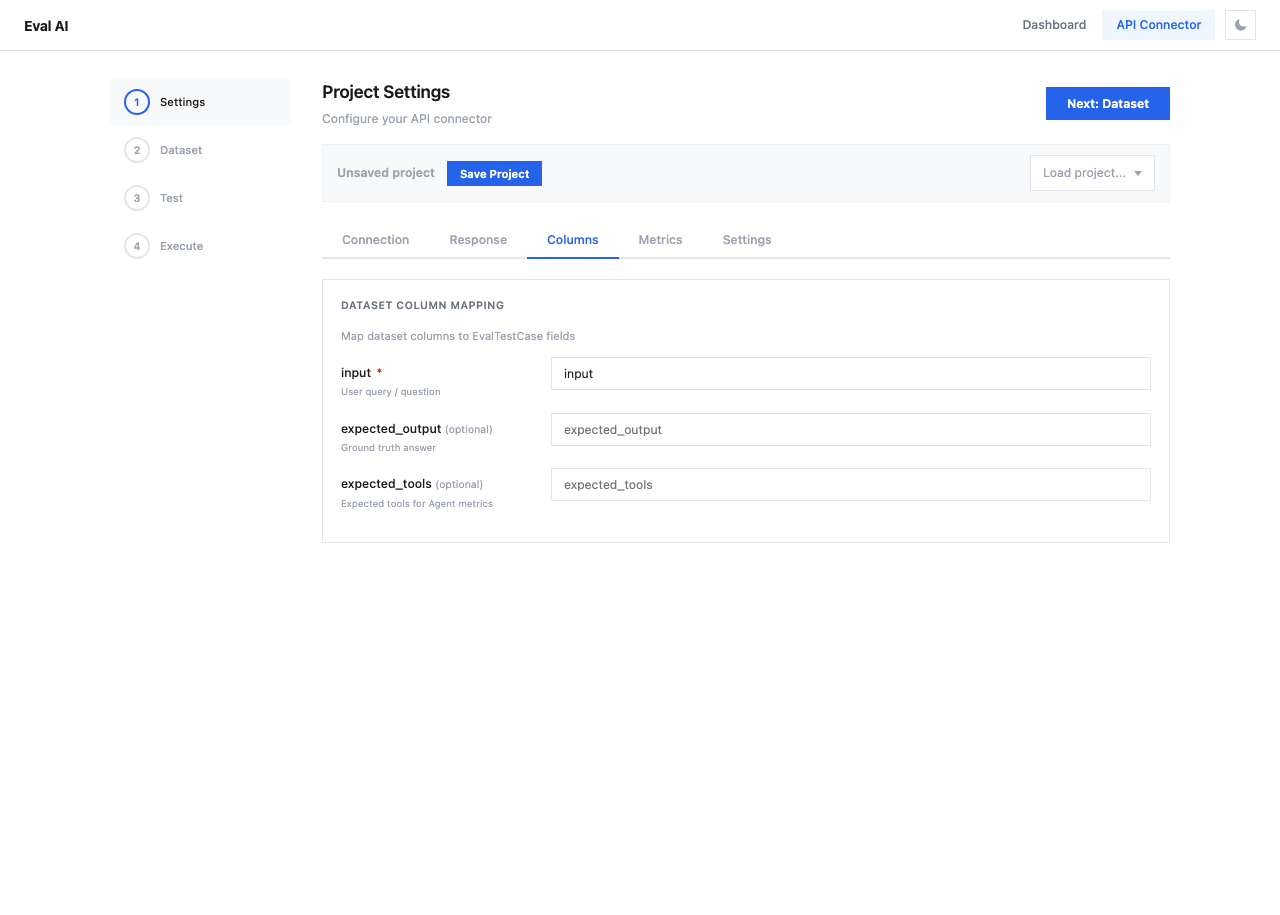
Mapping Fields
| Field | Required | Description | Default Value |
|---|---|---|---|
| input | Yes | User query / question | input |
| expected_output | No | Ground truth answer (for precision metrics) | expected_output |
| expected_tools | No | Expected tools for Agent metrics | expected_tools |
How Column Mapping Works
When the evaluation runs, each row from your dataset becomes an EvalTestCase. The column mapping tells the system which dataset column corresponds to which test case field:
Dataset CSV:
┌──────────────────────┬────────────────────────┐
│ question             │ correct_answer         │
├──────────────────────┼────────────────────────┤
│ What is Python?      │ A programming language │
│ What is RAG?         │ Retrieval Augmented... │
└──────────────────────┴────────────────────────┘

Column Mapping:
  input → "question"
  expected_output → "correct_answer"
Tip
Column names must exactly match the headers in your uploaded dataset. After uploading a dataset in Step 2, the available column names will be displayed.
Which Metrics Need Which Fields
| Metric Type | Required Fields |
|---|---|
| Answer Relevancy | input, actual_output |
| Answer Precision | input, actual_output, expected_output |
| Faithfulness | actual_output, retrieval_context |
| Contextual Relevancy | input, retrieval_context |
| Tool Correctness | tools_called, expected_tools |
The actual_output and retrieval_context are extracted from the API response (configured in the Response tab), not from the dataset.