Dataset
Step 2 of the API Connector wizard — upload your test data.
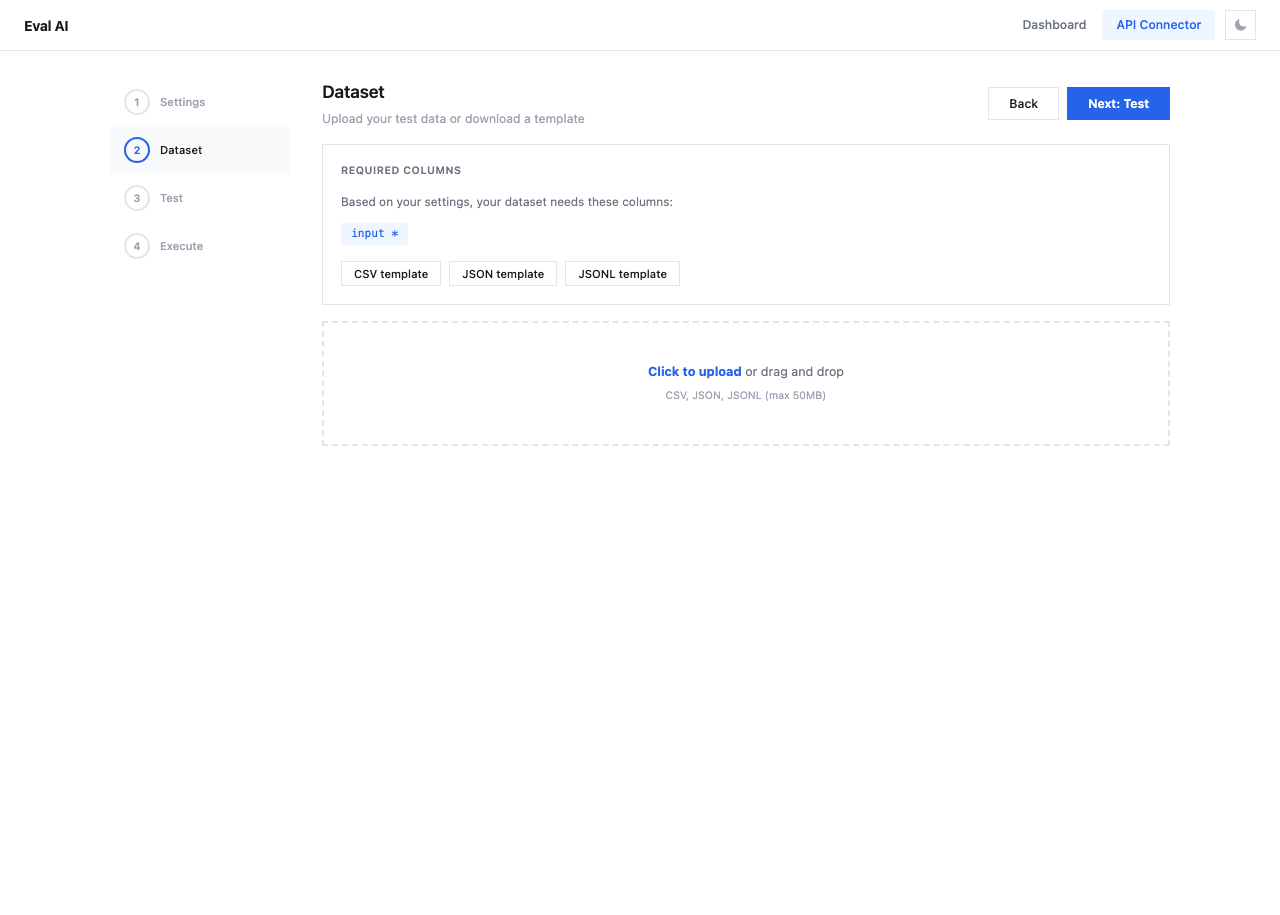
Required Columns
Based on your settings from Step 1, the required dataset columns are displayed at the top. At minimum, the input column is required.
Download Templates
Use the template buttons to download a pre-formatted file:
| Format | Description |
|---|---|
| CSV template | Comma-separated values with required column headers |
| JSON template | Array of objects with required fields |
| JSONL template | One JSON object per line |
Upload
Drag and drop a file or click Click to upload:
- Supported formats: CSV, JSON, JSONL
- Maximum size: 50MB
After upload, a preview table shows the first rows and detected columns.
Dataset Format Examples
Tip
Start with a small dataset (5-10 rows) for testing, then scale up once you've verified the pipeline works correctly in Step 3.